
24H Clock
Forces the Agent Zero WebUI header clock to display time in 24-hour format (HH:MM:SS) instead of 12-hour AM/PM. Always-on, update-proof, zero config.
Screenshots
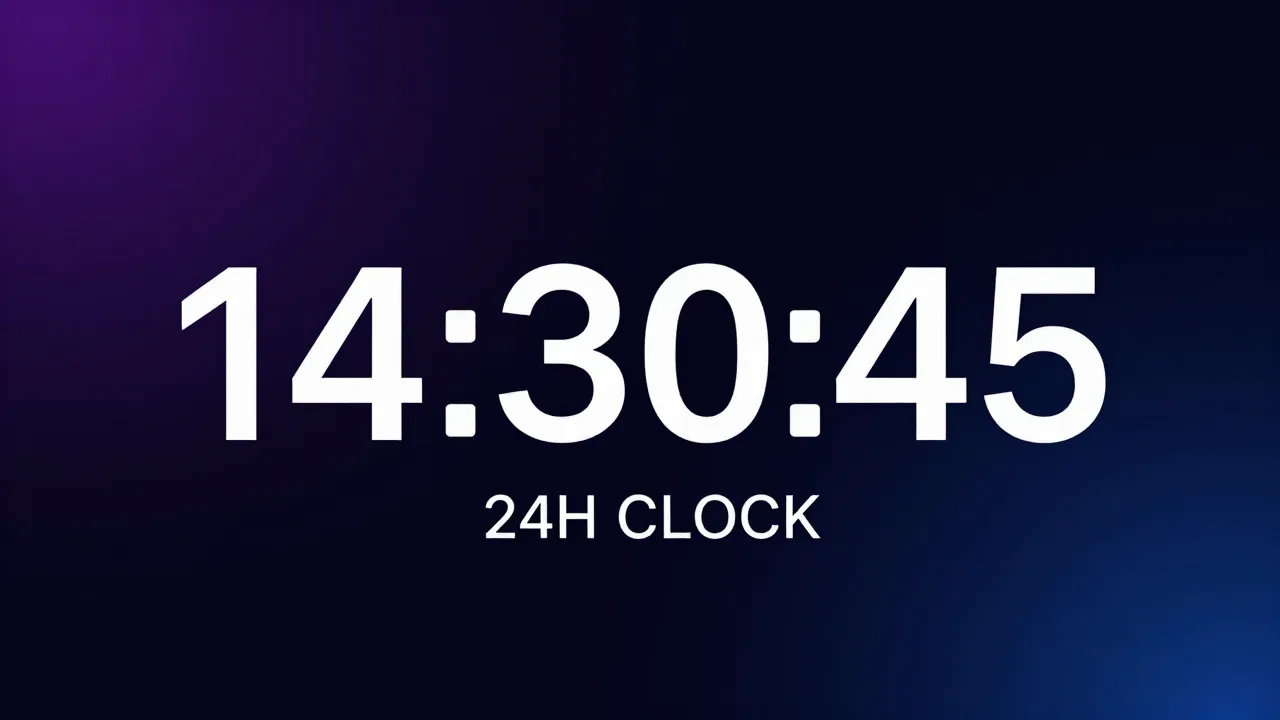
README
🕐 24H Clock Plugin for Agent Zero
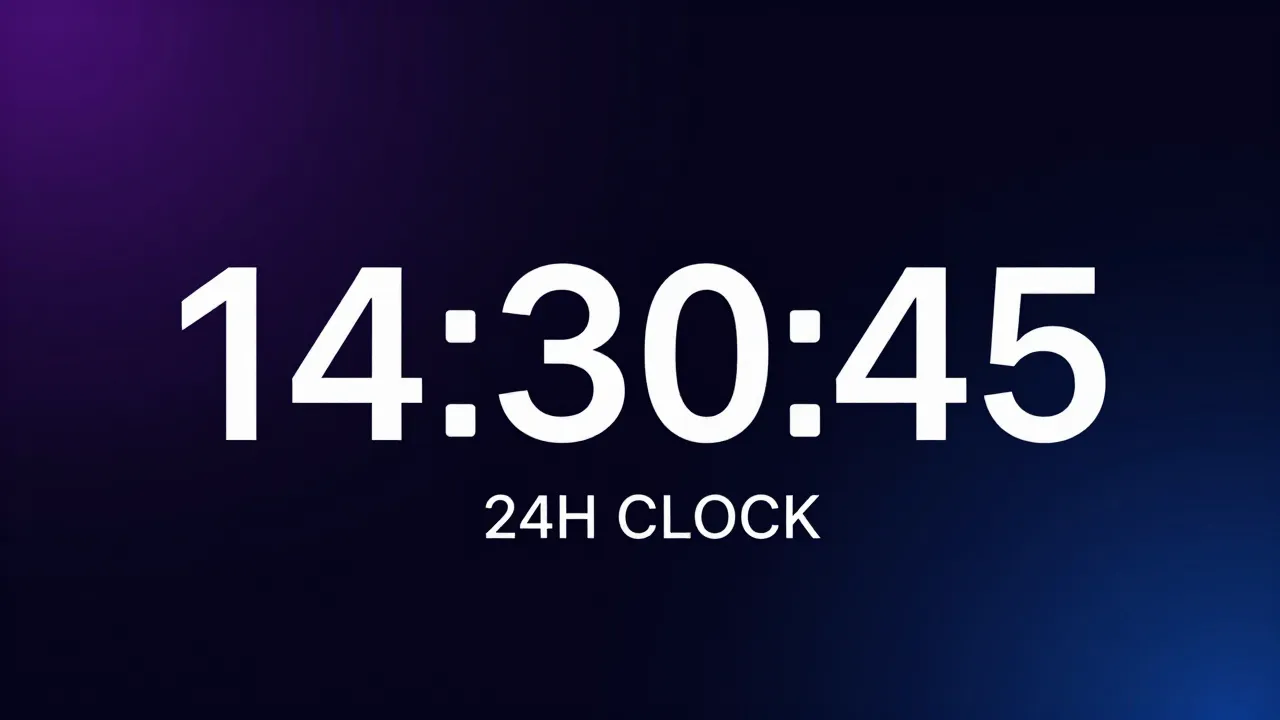
A lightweight Agent Zero plugin that forces the WebUI header clock to display time in 24-hour format (e.g. 14:35:07) instead of the default 12-hour AM/PM format.
Features
- ✅ Toggle ON/OFF — use the plugin switch in the Plugin Hub to enable or disable at any time
- ✅ Update-proof — lives in
usr/plugins/, survives A0 system updates - ✅ Zero config — works out of the box, no settings to tweak
- ✅ Persistent — survives UI reloads via the
initFw_endlifecycle hook - ✅ Non-destructive — uses MutationObserver, doesn't modify core files
How It Works
- Registers a JS module extension at the
initFw_endhook point - Waits for the
#time-dateDOM element to appear - Attaches a MutationObserver that intercepts every 12h time write
- Immediately overwrites with clean 24-hour format:
HH:MM:SS
The date display is preserved unchanged.
⚠️ Important: Reload Required
After installing, enabling, or disabling this plugin, you must reload the page for the change to take effect:
Hard reload the page:
Ctrl + Shift + R(Windows/Linux) orCmd + Shift + R(Mac)
If the clock still shows 12-hour format after a hard reload, restart Agent Zero (the backend caches plugin state at startup).
Installation
From Plugin Hub
- Open the Plugins dialog in Agent Zero
- Go to the Browse tab or click Install
- Search for 24H Clock and click Install
- Hard reload the page (
Ctrl + Shift + R)
Manual
- Clone this repo into your Agent Zero plugins directory:
git clone https://github.com/jphermans/a0-plugin-clock-24h.git /path/to/agent-zero/usr/plugins/clock_24h - Restart Agent Zero
- Hard reload the WebUI (
Ctrl + Shift + R)
Toggle ON/OFF
Use the ON/OFF switch in the Plugin Hub plugin list:
- ON → Time displays in 24-hour format
- OFF → Time reverts to the default 12-hour AM/PM format
Remember to hard reload the page after toggling!
Uninstallation
Remove the plugin folder, restart, and reload:
rm -rf /path/to/agent-zero/usr/plugins/clock_24h
File Structure
clock_24h/
├── plugin.yaml                              # Plugin manifest (runtime)
├── index.yaml                               # Community index metadata (a0-plugins)
├── icon.png                                  # Source icon
├── README.md                                 # This file
├── LICENSE                                   # MIT License
├── webui/
│   └── thumbnail.png                         # Plugin Hub thumbnail
├── docs/
│   ├── banner.png                            # Banner image
│   └── thumbnail.jpg                         # Legacy thumbnail
└── extensions/
    └── webui/
        └── initFw_end/
            └── clock-24h.js                  # 24H clock override (ES module)
Compatibility
- Agent Zero v1.0+
- All modern browsers (Chrome, Firefox, Safari, Edge)