
Tailscale Manager
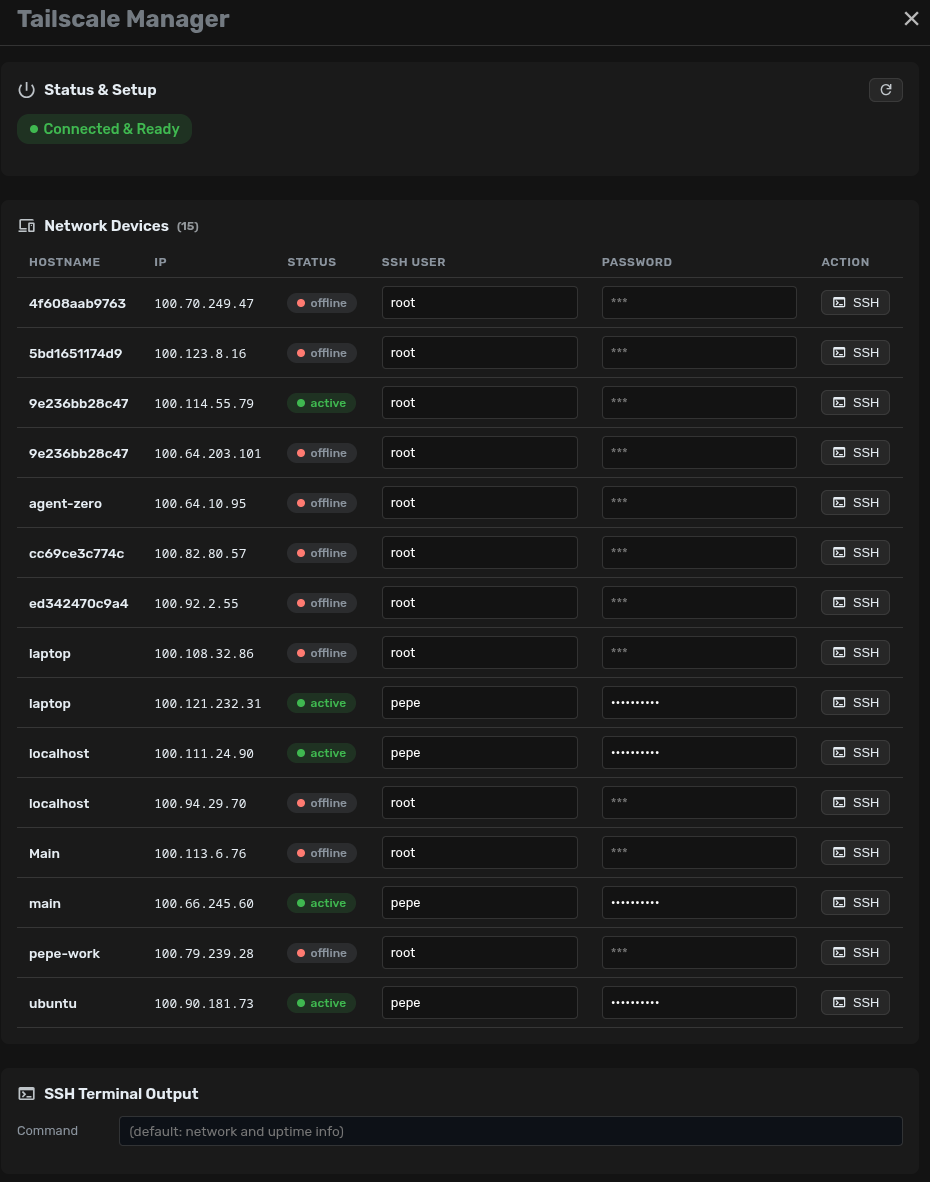
Install, configure, and manage Tailscale VPN connections directly from the Agent Zero UI. Includes auto-SSH-key management.
Screenshots
README
Tailscale Manager Plugin
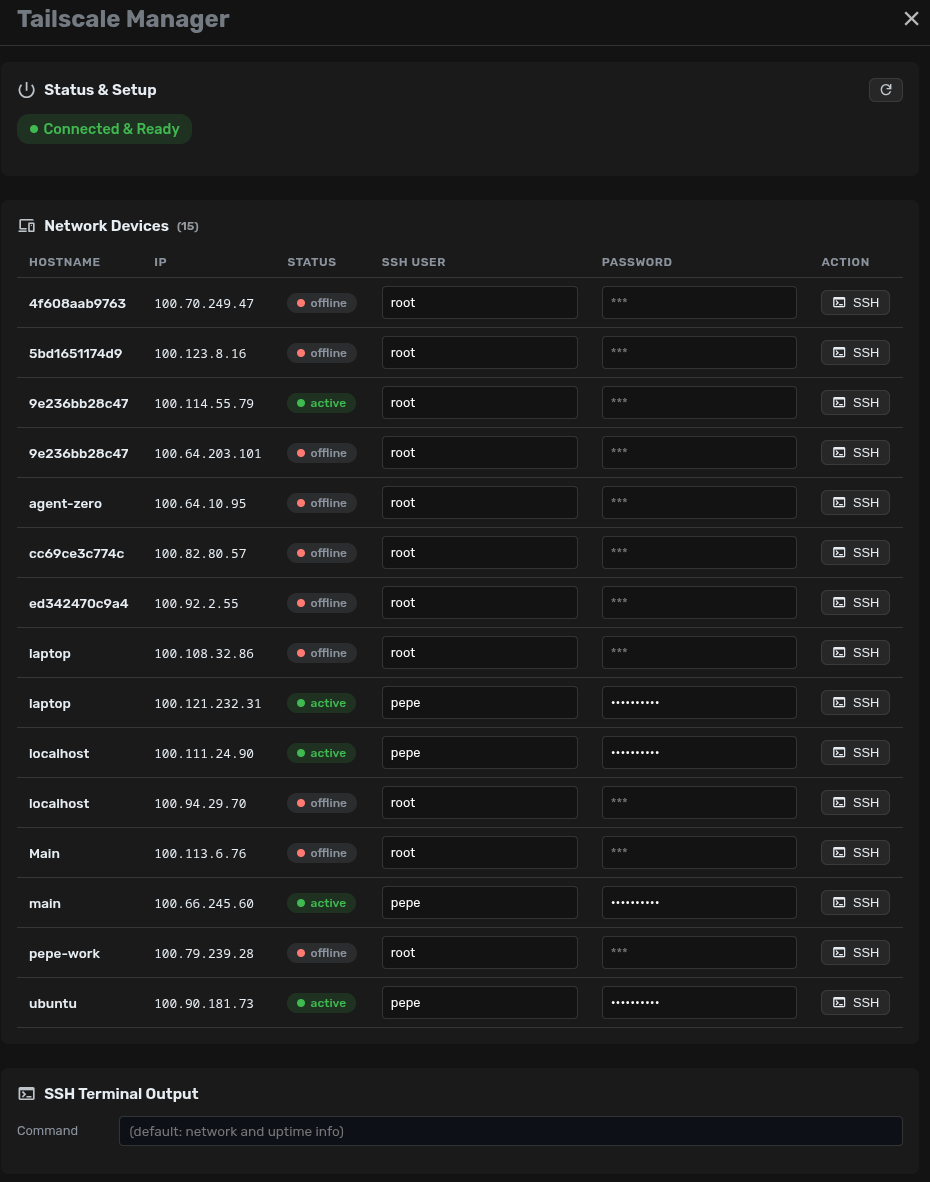
An Agent Zero plugin that installs, configures, and monitors Tailscale from a dashboard. It is intended for administrators of their own Tailnet.
Features
- 🚀 One-click installation: Automatically installs
tailscaleandsshpassif missing. - 🔐 Authentication: Connect and authenticate to your Tailnet via the UI popup.
- 💻 SSH Integration: Connect to Tailscale peers via SSH using saved credentials from the dashboard.
- 📊 Status Monitoring: See your connected devices and their IPs.
Usage
Once installed and enabled, a new vpn_lock icon will appear in the sidebar quick actions. Click it to open the Tailscale dashboard, install the daemon, start it, and log in to your network.
Only run the plugin in an environment you administer. Tailscale authentication and SSH access affect real network resources; review the host and container permissions before enabling it.
Docker Requirements
To use this plugin, the Agent Zero Docker container must be started with additional network privileges (NET_ADMIN capabilities and /dev/net/tun device) to allow Tailscale to create its network interfaces.
Example Docker run command:
docker run -d \
  --name agent-zero-main \
  --label "ai.agent0.managed=true" \
  --restart unless-stopped \
  --cap-add=NET_ADMIN \
  --device=/dev/net/tun \
  -p 80:80 \
  -v /path/to/agent-zero/usr:/a0/usr \
  agent0ai/agent-zero:latest